Global illumination (GI) simulates how light bounces between surfaces,
creating soft shadows, color bleeding, and realistic ambient lighting. Unlike rasterization
(which only computes direct lighting), GI accounts for all light paths.
The Rendering Equation
All physically-based rendering solves the same equation, formulated by James Kajiya in 1986:
In words: outgoing light = emitted light + integral of (BRDF × incoming light × cosine) over hemisphere.
Path Tracing
Genesis uses Monte Carlo path tracing to solve this integral stochastically:
// Simplified path tracingfor sample in1..SPP:
ray = camera.generate_ray(pixel)
color = trace_path(ray, depth=12)
deftrace_path(ray, depth):
hit = scene.intersect(ray)
if hit.material.is_emissive:
return hit.emission
wi = hit.material.sample(wo, normal)
Li = trace_path(Ray(hit.point, wi), depth - 1)
return brdf * Li * cos(theta) / pdf
SPP (Samples Per Pixel)
128 random paths traced per pixel, then averaged. More samples = less noise.
Bounce Depth
Each path bounces up to 12 times. More bounces capture indirect lighting.
Russian Roulette
After 4 bounces, paths are randomly terminated based on throughput. Unbiased.
Section 2
Physically-Based Materials
Every surface has a material defining how light interacts with it.
Modern renderers use PBR—materials based on real physics, not arbitrary parameters.
Material
Type
Key Parameters
Used For
Metal
Conductor
color, roughness
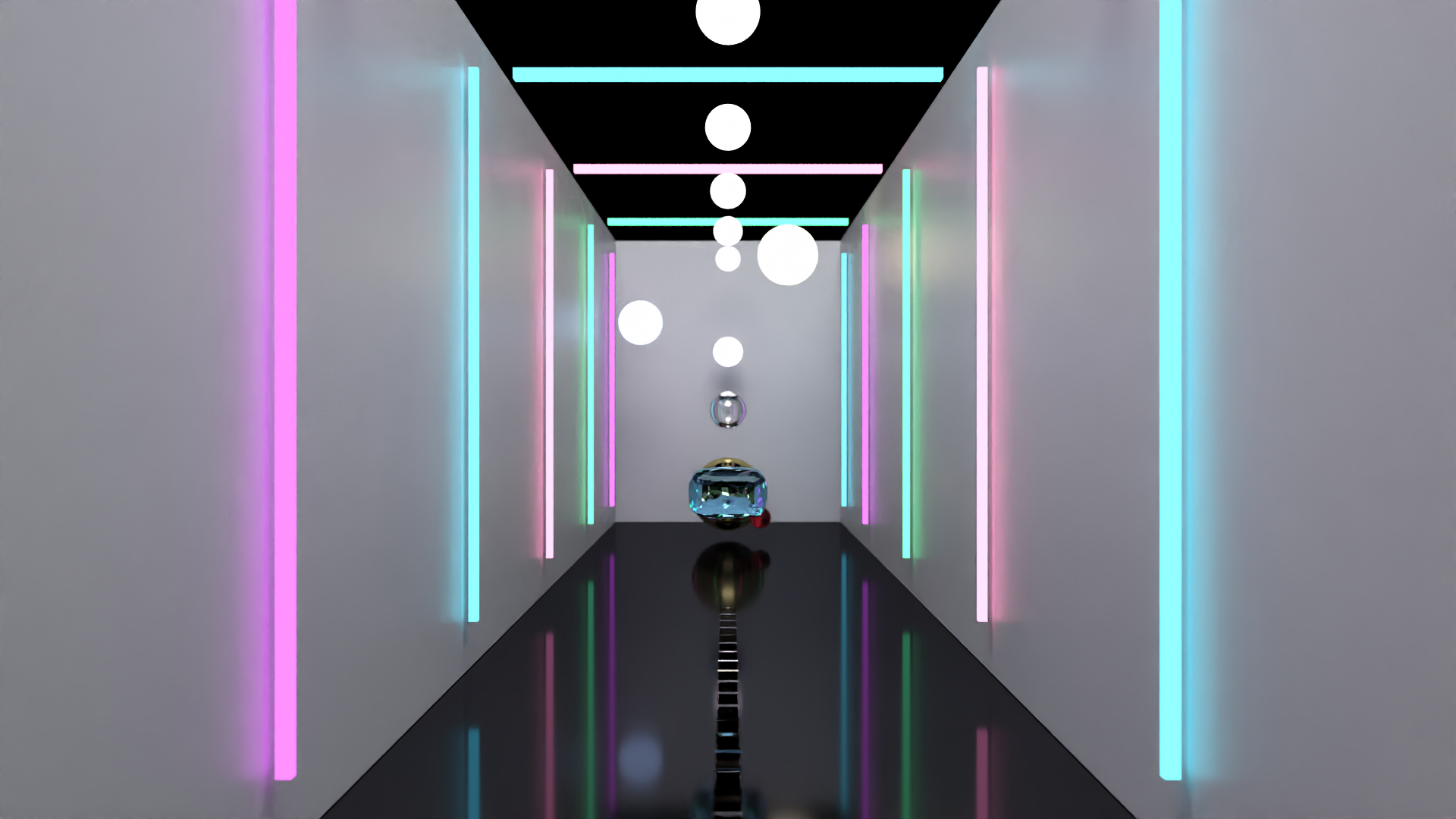
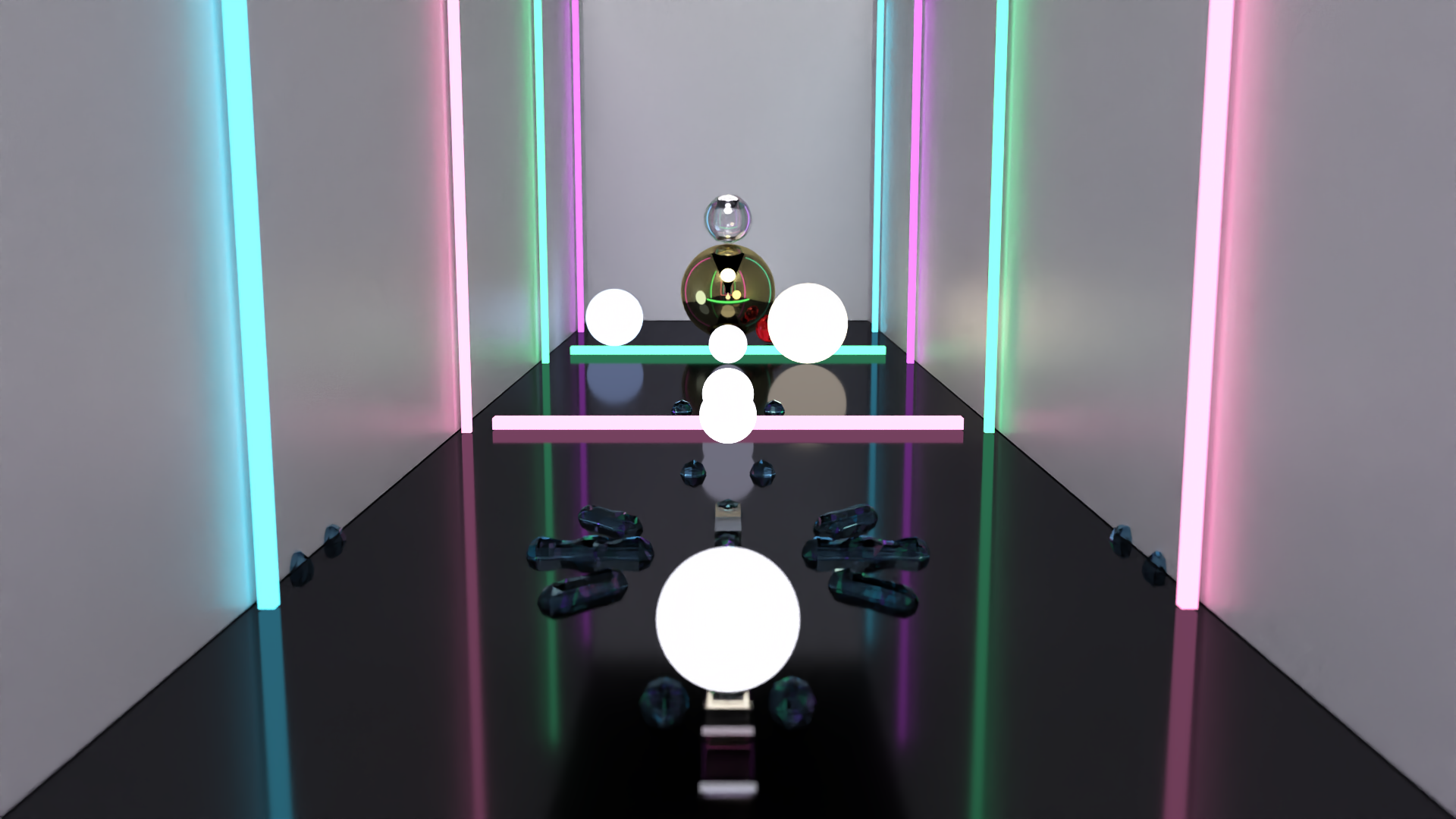
Gold sphere, obsidian floor
Glass
Dielectric
color, IOR
Crystal dominoes, diamond orb
Default
Diffuse/Glossy
color, roughness
Corridor walls
Emission
Light source
emissive RGB
Neon bars, ceiling lights
Section 3
Reflection: BRDF & Fresnel
The BRDF describes what fraction of incoming light reflects in each outgoing direction.
For metals, most light reflects; for dielectrics, the Fresnel equations determine reflection vs. transmission.
Fresnel Equations
All materials reflect more light at grazing angles:
F(θ) = F0 + (1 - F0)(1 - cos θ)5
Fresnel in Action
Look at the obsidian floor. Near the camera (grazing angle), it's almost a perfect mirror.
Directly below the lights (normal incidence), it's darker. That gradient is Fresnel.
Section 4
Refraction: Snell's Law
When light crosses a boundary (air → glass), it bends according to Snell's Law:
n1 sin(θ1) = n2 sin(θ2)
Material
IOR
Visual Effect
Ice
1.31
Subtle distortion
Glass / Quartz
1.54–1.55
Moderate bending
Ruby
1.77
Strong bending
Diamond
2.417
Extreme brilliance
Section 5
Camera: DOF & Bokeh
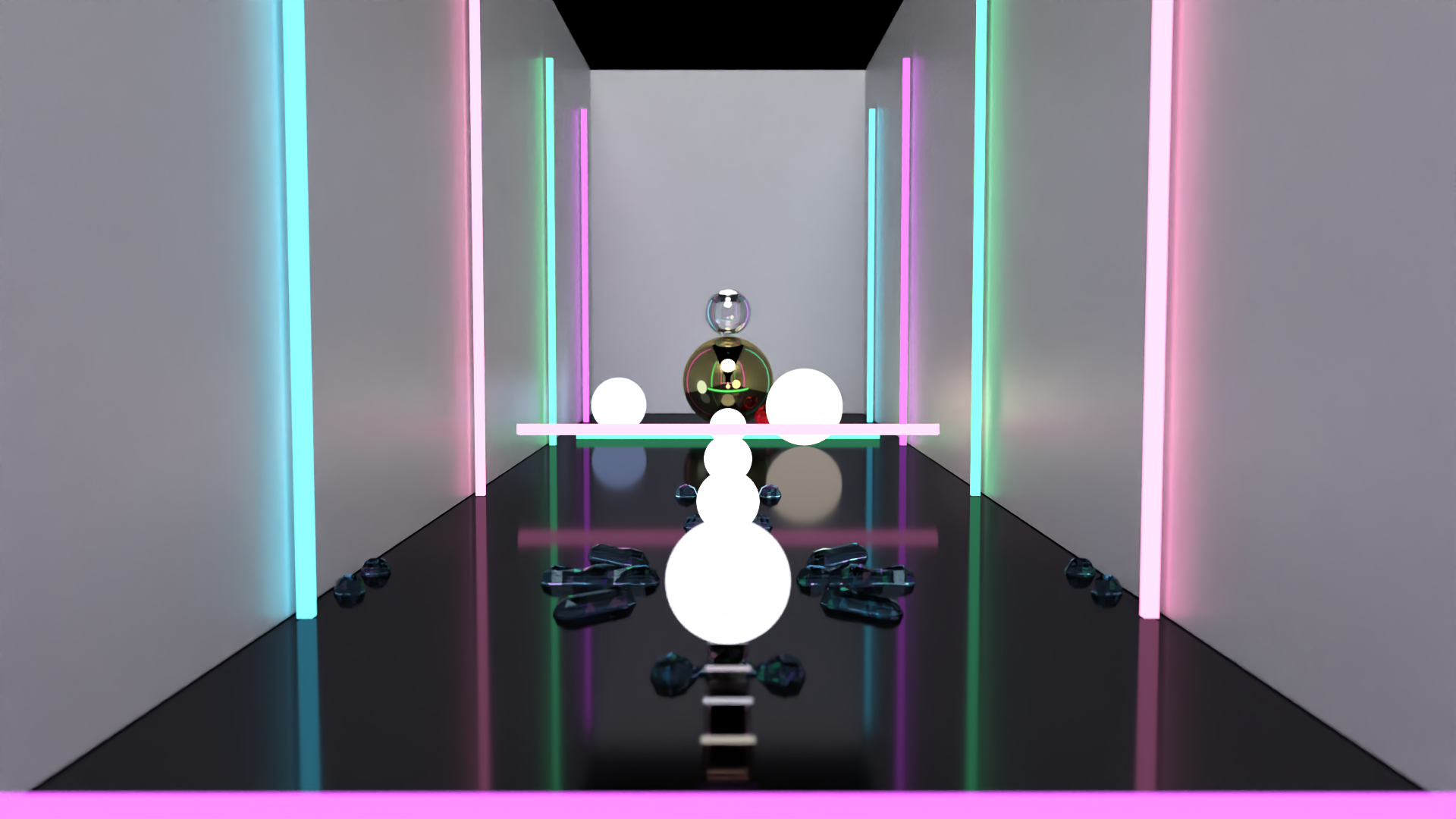
Genesis simulates a thin-lens camera.
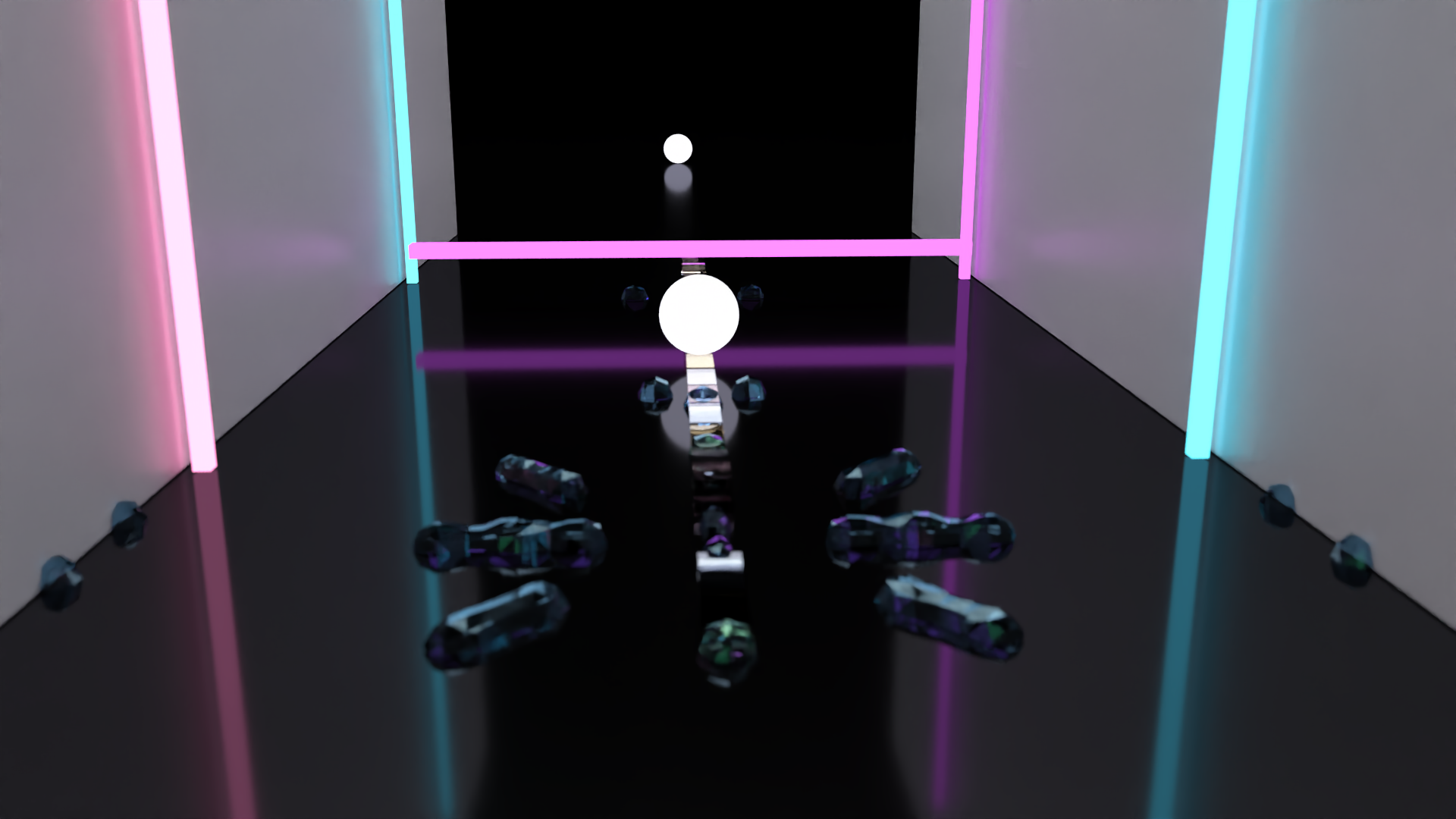
Objects at the wrong distance appear blurry—just like a real camera.
Aperture (f-stop)
Lower f-stop = larger aperture = shallower DOF. The film uses f/2.0 for cinematic bokeh.
Focus Distance
Objects at this distance are sharp. The rack focus shot animates this from 1m to 9m.
Circle of Confusion
Out-of-focus points blur into discs. Diameter: d ∝ aperture × |z - focus| / z
Section 6
OIDN Denoising
Even at 128 SPP, Monte Carlo noise is visible. We use
Intel Open Image Denoise (OIDN)—a neural network
trained to remove path tracing noise while preserving detail.
How does this connect to Kagami's world model?
Genesis provides the substrate for imagination—the world model can predict
"what happens if I push this domino?" and Genesis makes that prediction visible.
The Loop Closes
The world model predicts. Genesis renders the prediction. The encoder compresses the render.
The world model updates. This is the imagination loop—dreaming in physics,
learning from synthetic experience.